
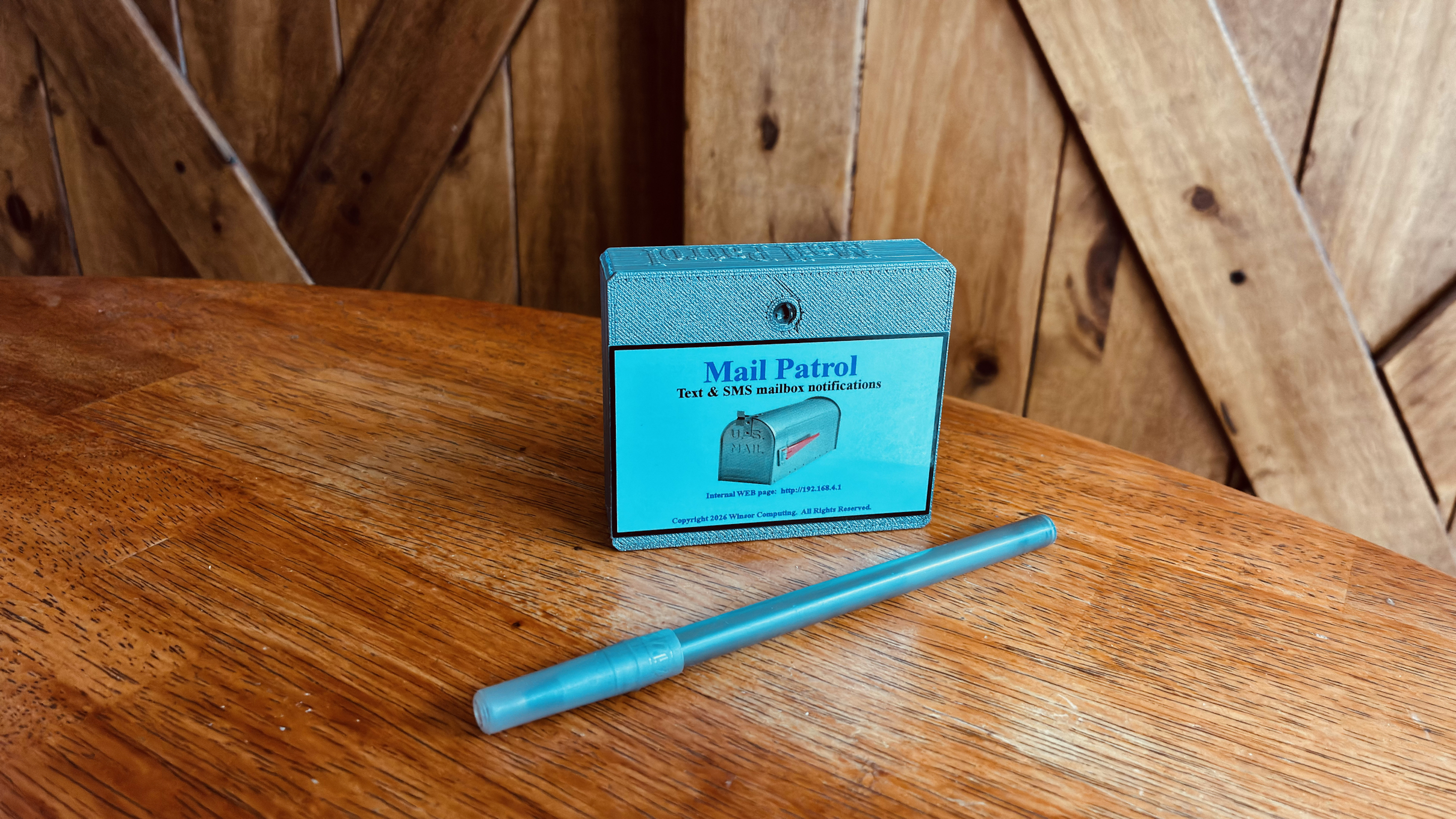
Are you tired of walking down to your mailbox and finding that the mail delivery did not arrive?
Battling snow, rain, wind, ice only to find an empty box !

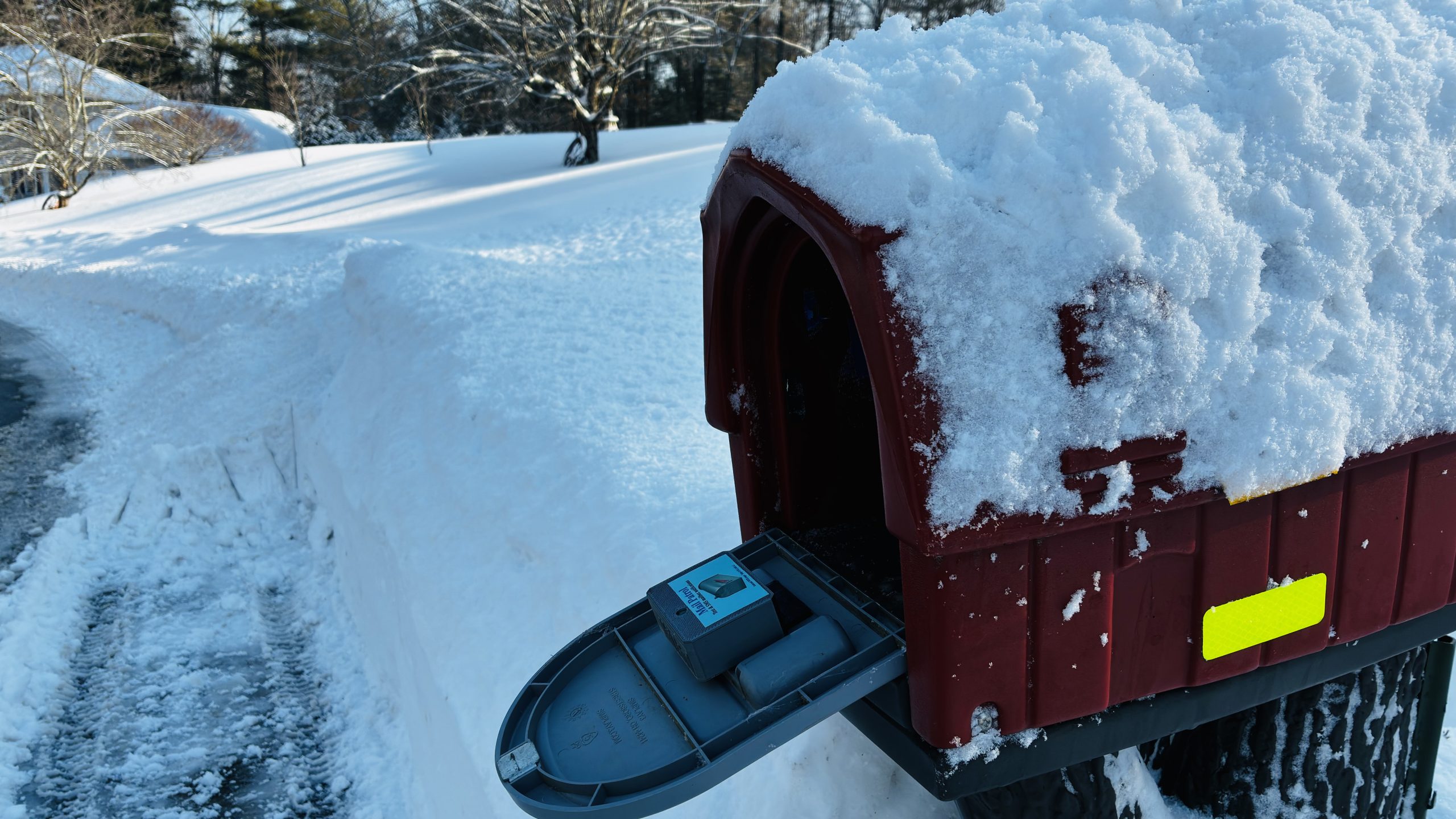
Easy to use? You bet!
You simply add your email, cellphone number & wifi settings into the bluetooth setup app, click save, mount the device on to your mailbox door, and the next time the mail delivery arrives you will be notified by an email message and/or a SMS text message!
Simple huh?
No wires!
No Magnets!
Uses your home Wifi connection to send email and SMS. You just need to add your Wifi SSID and Password.
The device will wake up when the door is opened, connect to your WIFI and send the required messages.
Requires no tools for installation if the provided double sided velcro is used for mounting the device.
Lets go over the features:
- It’s rechargeable! Takes only a few hours to charge it. The charge will last 6 – 12 months*
- Easily charged with a USB-C cable.
- Transmits up to 350 ft ! (range measured with direct line of site. walls, trees etc… may affect range)
(USB-A to USB-C cable not included. You probably already use one to charge your phone!) - Email notifications. (Three e-mail addresses may be added.)
- Cell phone SMS Text messages. (Two cell phone numbers may be added.)
- Alexa notifications. (Will cause the ring to light and a notification to be announced.)
- Comes with 312 SMS messages (which will last about 1 year with a two door mailbox)
- Additional SMS messages can be purchased separately. (See below)
Using the SMS message notification feature is not required to use the device.
* Weather temperature affects battery charge.
Documentation

Click here for quick start guide
Setup Applications
V2.03 and above may be upgraded via a BluetoothLE setup application.
Use the correct setup application for your platform by clicking the correct link below:
Windows x64 BLE Setup Application
Coming soon
Android BluetoothLE Setup Application
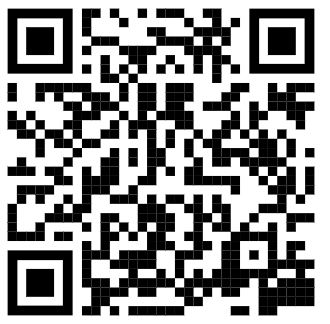
Scan the QR image below with your android phone to install the setup application.
From google play
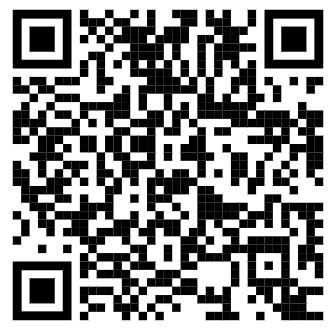
Apple IOS BluetoothLE Setup Application
Scan the QR image below with your Apple phone to install the setup application.
From Apple Store
Firmware Upgrades
Using the Patrol Setup bluetooth phone application, use the upgrade button to start installing the latest version. No need to download any files first. It’s all automatic !
You should write down what settings you currently have before upgrading in case they need to be reapplied. We make every effort to provide updates which do not require new settings.
You can also use the web interface and choose the upgrade menu option. You can then browse to the location on your PC/phone where you downloaded the firmware file.
Click icon below for latest firmware
(BE SURE TO READ RELEASE NOTES BEFORE DOWNLOADING)
Click here for firmware release notes
Below are legacy firmware updates. Legacy products have less than 2MB of memory.